
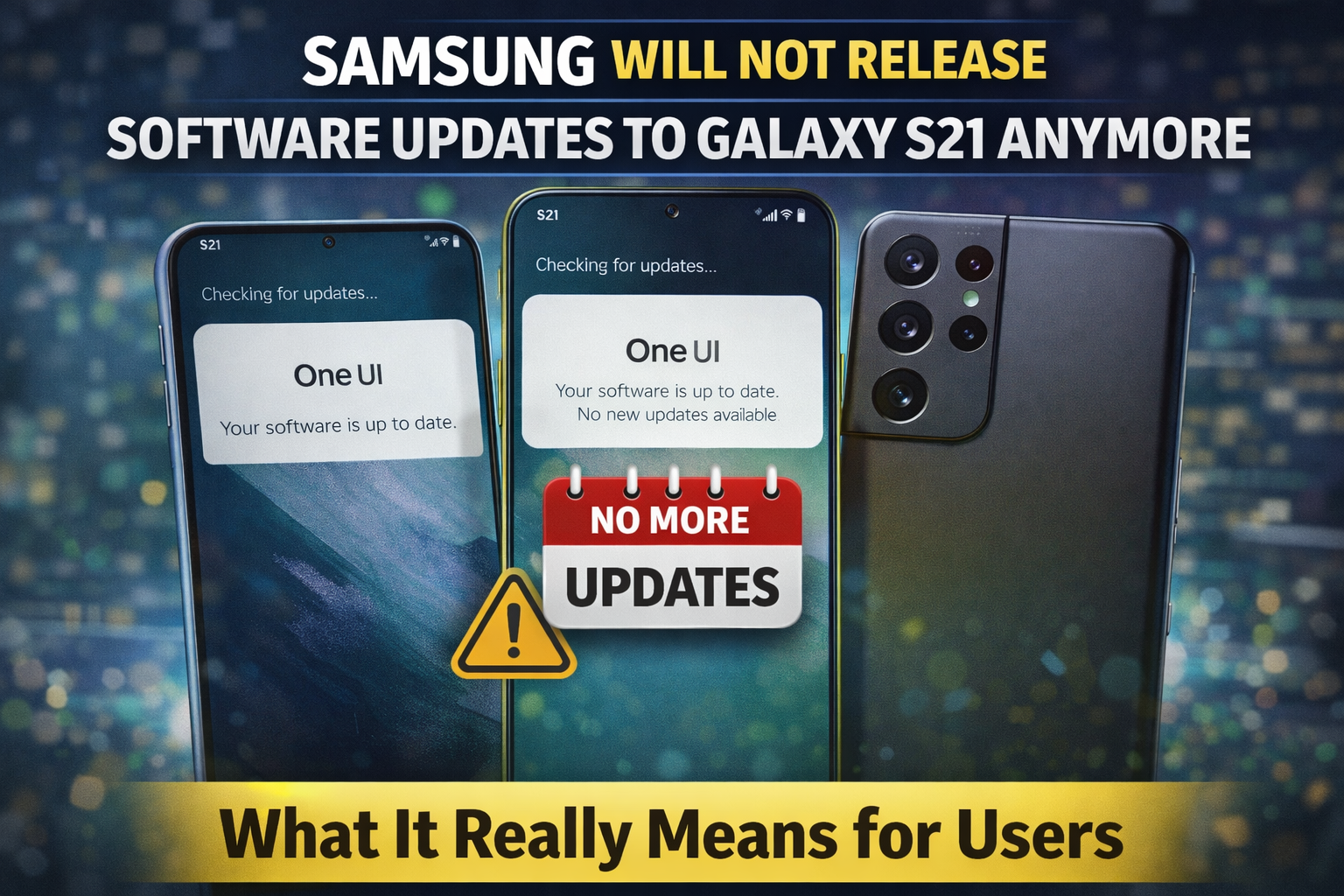
For many smartphone users, software updates are something they rarely think about—until they stop arriving. That moment has now come for owners of the Samsung Galaxy S21. According to Samsung’s current update policy and device support cycle, the Galaxy S21 lineup has reached the end of its regular software update journey.
This news has left many users confused, disappointed, and even worried. After all, the Galaxy S21 was once a premium flagship device, praised for its performance, camera quality, and long-term usability. So what does it actually mean when Samsung stops software updates? Does the phone suddenly become useless? And should you upgrade right away?
Let’s break it down clearly and realistically
A Quick Look Back at the Galaxy S21
When Samsung launched the Galaxy S21 series in early 2021, it was positioned as a powerful flagship aimed at both everyday users and tech enthusiasts. The lineup—including the S21, S21+, and S21 Ultra—introduced a refined design, strong processors, and a promise of long-term software support.
At launch, Samsung committed to:
- Multiple Android OS upgrades
- Several years of security updates
At the time, this was seen as a strong commitment, especially in the Android ecosystem, where long update support was not always guaranteed.
Fast forward to today, and the Galaxy S21 has completed the update cycle Samsung originally promised.
What “No More Software Updates” Actually Means
When people hear that Samsung will no longer release updates, it can sound alarming. But it’s important to understand what exactly is ending.
1. No More Android Version Upgrades
The Galaxy S21 will not receive future Android versions. That means whatever Android version your phone is currently running will likely be its last major upgrade.
You won’t see new system-level features, UI changes, or Android enhancements that come with future releases.
2. Security Updates Will Stop Gradually
Security patches are essential for protecting your phone from vulnerabilities. Once official support ends, Samsung will stop pushing regular security updates to the S21.
This doesn’t mean your phone becomes unsafe overnight—but over time, as new threats emerge, the lack of patches increases risk.
3. No New Samsung Features
Samsung often adds exclusive features through One UI updates, improving camera performance, battery optimization, and usability. These improvements will no longer arrive for the Galaxy S21.
Why Samsung Ends Updates for Older Phones
This decision is not unique to Samsung. Every smartphone manufacturer follows a support lifecycle.
Here’s why updates eventually stop:
- Hardware limitations: New software is designed for newer processors and components.
- Resource allocation: Supporting older devices takes engineering time that could be used for newer models.
- Security complexity: Keeping older hardware secure becomes more difficult as threats evolve.
- Industry standards: Most Android phones receive 4–5 years of major and security updates.
The Galaxy S21 has now reached the end of that lifecycle.
Does This Make the Galaxy S21 Obsolete?
Short answer: No.
Your Galaxy S21 will continue to:
- Make calls and send messages
- Run most apps
- Browse the internet
- Stream videos and music
- Take photos and videos
For everyday use, the phone will still feel perfectly functional. Many people use phones that no longer receive updates without issues.
However, there are long-term considerations.
The Risks of Using a Phone Without Updates
While the phone will still work, there are some downsides you should be aware of:
🔐 Security Risks Over Time
As new vulnerabilities are discovered, unsupported devices won’t receive fixes. This matters more if you:
- Use mobile banking apps
- Store sensitive data
- Download apps from unknown sources
📱 App Compatibility Issues
Over time, some apps may require newer Android versions. While this won’t happen immediately, it can slowly reduce app compatibility.
🧩 Missing Out on Features
New Android features, UI improvements, and system optimizations will remain exclusive to newer devices.
What Are Your Options Now?
If you’re a Galaxy S21 user, you don’t need to panic—but you should plan.
Option 1: Keep Using the Phone (Short to Medium Term)
If your phone still performs well and meets your needs, you can safely continue using it for now. Just be cautious:
- Avoid installing apps from unknown sources
- Keep apps updated
- Use strong security settings
Option 2: Upgrade to a Newer Samsung Device
If software updates and security matter to you, upgrading is the best long-term option. Newer Samsung phones come with extended update commitments and improved hardware.
Option 3: Repurpose the Device
Some users keep older phones as:
- Secondary devices
- Media players
- Backup phones
This reduces risk while still getting value from the device.
Samsung’s Update Policy Has Improved Since S21
Ironically, while the S21 is losing support, Samsung has improved its update policy for newer phones. Recent flagship models now receive longer software and security support than the S21 ever did.
This means Samsung has learned from past feedback and adjusted its strategy—just not retroactively for older models.
Should You Upgrade Immediately?
Not necessarily.
Ask yourself:
- Do I rely on my phone for sensitive tasks?
- Am I missing features that newer phones offer?
- Is my battery and performance still good?
If the answer is “yes” to the first two, upgrading makes sense. If not, you can comfortably use the S21 for some time.
A Realistic Final Take
The end of software updates for the Galaxy S21 marks the natural end of a successful smartphone lifecycle, not the death of the device itself.
Samsung delivered on its original promise. The phone served users well for years, and it will continue to function reliably for daily use. But from a security and future-proofing perspective, the writing is on the wall.
Technology moves fast. Staying informed helps you move at the right time—not too early, and not too late.